Make lists and quantities
Generated for the day, organised so the kitchen can start without preparation work.
Product — KitchenOps
Designed around one workflow: kitchen production, through packing, dispatch and delivery. One shared picture of the day for the kitchen, the packing team, the office and the drivers.
| Run | Driver | Stops | Load | Status |
|---|---|---|---|---|
| Run 1 | Driver A | 3 | 6 | Loaded |
| Run 2 | Driver B | 2 | 4 | Loaded |
| Run 3 | Driver C | 4 | 7 | Packing |
| Run 4 | — | 2 | 3 | Unassigned |
Illustrative interface preview — generic sample data, not customer screens.
The workflow
The operational day does not end when the cooking does. KitchenOps follows the work through every handover, so a change in the kitchen does not become a surprise in dispatch.
Make lists, quantities and production requirements.
Boxes and quantities per school and group, with labels to match.
Runs, load counts and handover sign-off, before departure.
Route and stops per driver, with confirmation at each drop.
The day's meal data becomes production-ready output: what to make, how much, and how it is organised for the kitchen. Dietary requirements are surfaced alongside the main list, and the whole kitchen sees the same position on a screen built to be read from a distance.
Illustrative interface preview — generic sample data.
Generated for the day, organised so the kitchen can start without preparation work.
Queued, running, checking and complete — visible to everyone in the room at once.
Groups, delivery requirements and status that production and dispatch both agree on.
Meals are organised into clearly structured boxes for each school and group, so quantities can be checked before they move into dispatch.
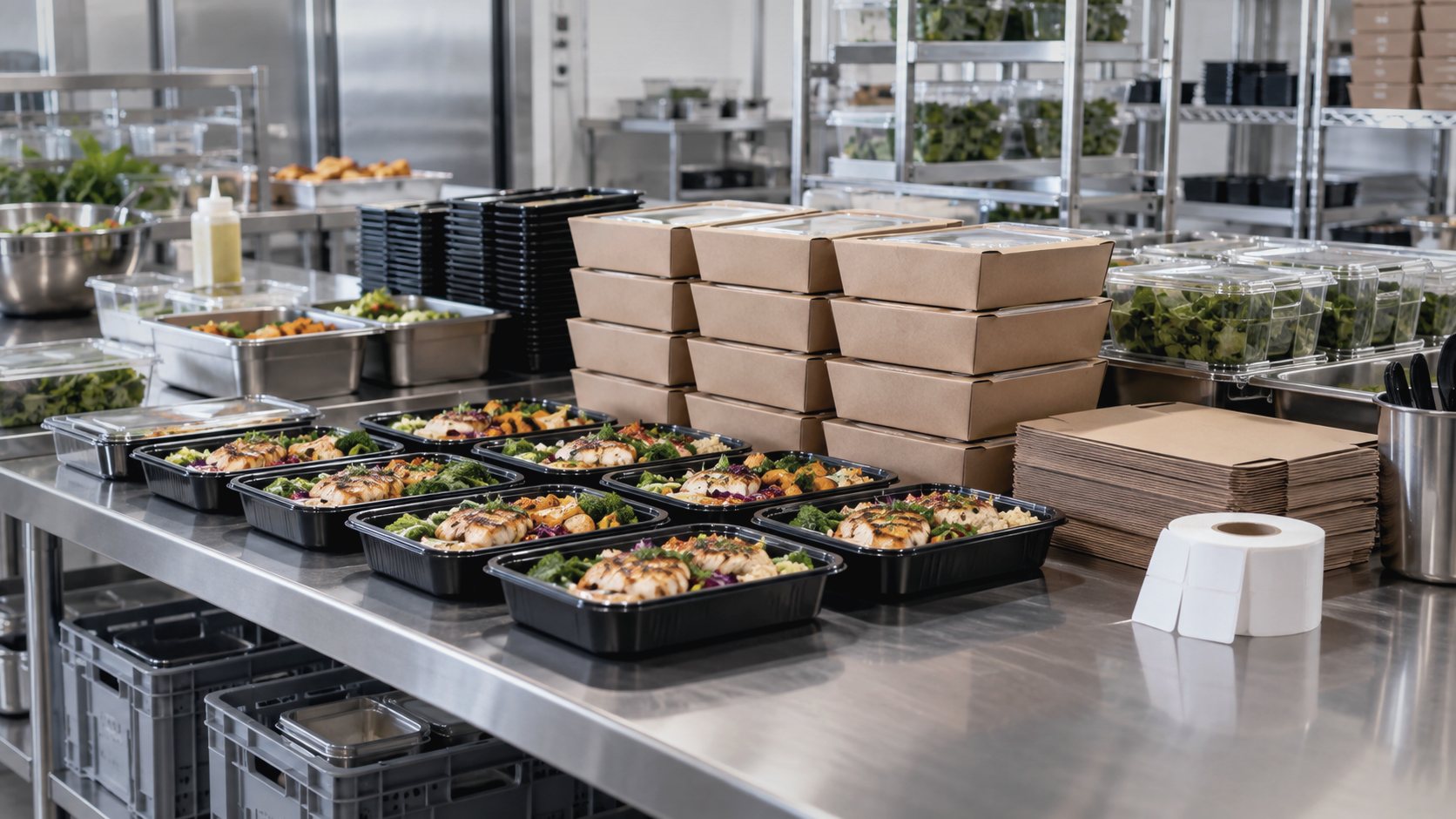
Packing area — meal trays and boxes being prepared. drop-in: /assets/img/photos/photo-packing.jpg · 16:9 · 2400×1350 or larger
Box and quantity structure stated explicitly, so packing can be verified.
Dispatch turns packed boxes into confirmed loads. Runs, quantities and handovers are checked before the vehicle leaves, giving the team a clear record of what went out and where it is going.
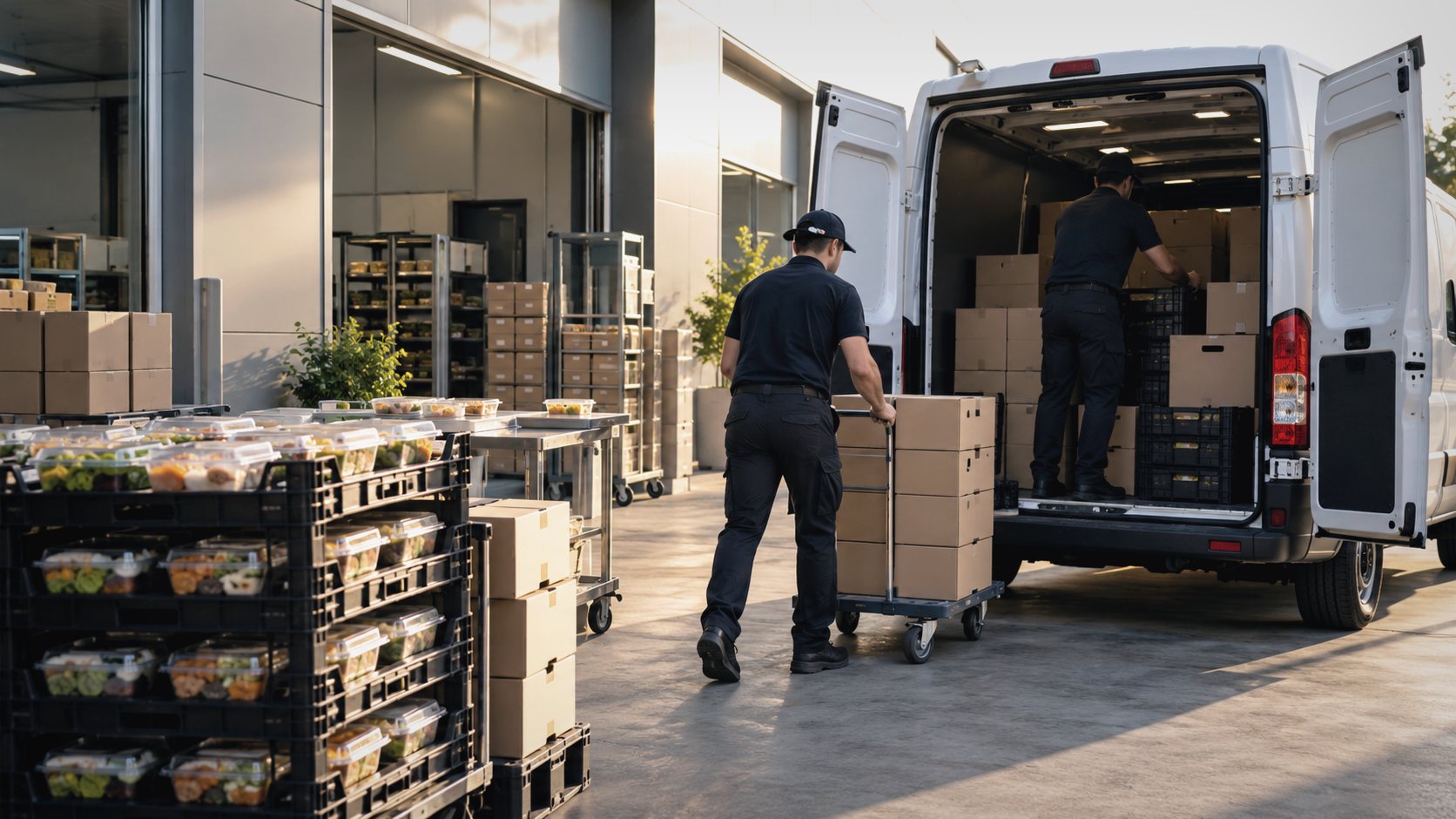
Dispatch and loading — meal boxes and crates going into the vehicle. drop-in: /assets/img/photos/photo-dispatch.jpg · 16:9 · 2400×1350 or larger
| Run | Driver | Vehicle | Stops | Load | Status |
|---|---|---|---|---|---|
| Run 1 | Driver A | Van 1 | 3 | 6 | Loaded |
| Run 2 | Driver B | Van 2 | 2 | 4 | Loaded |
| Run 3 | Driver C | Van 3 | 4 | 7 | Packing |
| Run 4 | — | — | 2 | 3 | Unassigned |
Illustrative interface preview — generic sample data.
Who is taking what, and whether the load has been signed off.
A discrepancy, a missing label or an unassigned run appears as it happens.
Each driver gets the route they are running and the stops in sequence, and confirms each drop as it happens. Delivery status therefore reaches the operation during the service window, rather than being reconstructed at the end of the shift.
Illustrative interface preview — generic sample data.
The sequence for the run, on the device the driver already carries.
Each delivery confirmed as it happens, not reconciled afterwards.
Activity, exceptions and outcomes in one place for the people running the service.
Scope
Pilot readiness. KitchenOps is a working product being prepared for live pilot deployment with school meal providers. We are not presenting it as a general-availability platform, and we are not publishing customer names or usage figures. There is no public pricing and no self-service sign-up.
Tell us how your school meal service runs today and we will walk you through KitchenOps against that workflow.